


Cloud
Your company's files, safely inside your ERP.
 My Cloud

Cloud
- Company drive
- Shared
- Shared with me
- Trash
Highlights
-
 Inside your ERP
Colour-coded folders, viewed in grid or list, all inside your Comet workspace.
-
Viewer or editor sharing
Share any file or folder with colleagues, with sub-folders inheriting access automatically.
-
Size limits you set
Administrators set the limit per file. The default is 50 MB.
-
Trash and recovery
Deleted items stay in Trash and can be restored until they are removed automatically, after 30 days by default.
-
Preview in the browser
Images, video and audio open directly in the browser, without downloading them first.
-
Bulk file actions
Download, copy, move, rename or delete one or many items, and filter to find things quickly.
Features
The all-in-one platform for your business.
-

Company drive inside your ERP
Create colour-coded folders and view files in grid or list, all inside your Comet workspace.
Know more about Company Drive Inside Your ERP
Give every employee a secure file drive inside Comet. Create folders and sub-folders, colour-code them, and view files in a card grid or detailed list, sorted by name, date or size. Because storage sits inside your ERP, staff stop relying on personal drives and scattered email attachments to keep their work.
-

Simple uploads
Upload files by dragging them onto the window, with administrators setting the maximum size per file.
Know more about Simple Uploads
Upload files by simply dragging them onto the window, or use the add button, with no extra software to install. Administrators set the maximum size per file to suit company policy. Everything is stored on your Comet server, so business documents stay inside your own environment instead of spreading across personal accounts.
-

Viewer and editor sharing
Share any file or folder with colleagues as Viewer or Editor, with sub-folders inheriting access automatically.
Know more about Viewer and Editor Sharing
Share any file or folder with colleagues as Viewer or Editor, and decide exactly who can only read and who can change content. Sub-folders inherit access automatically, saving repeated setup. Administrators choose whether sharing covers employees, users or both, so collaboration stays simple while company documents stay under proper control at all times.
-

Shared and shared with me
See what you have shared and what colleagues have shared with you in two dedicated views.
Know more about Shared and Shared With Me
Two dedicated views keep collaboration organised. Shared shows everything you have given others access to, while Shared With Me lists what colleagues have given you. There is no need to search through email threads for the latest document link, and owners can review or change access whenever a project or team changes.
-

In-browser preview
Open images, video and audio directly in the browser, with zoom, rotate, pan and full-screen viewing.
Know more about In-Browser Preview
Open images, video and audio directly in the browser without downloading them first. The viewer supports zoom, rotate, pan and full screen, and lets you step through the previous and next files in the folder. Teams review drawings, photos and recordings faster, and avoid filling their computers with duplicate local copies of files.
-

Complete file management
Download, copy, move, rename or delete one or many items, and filter to find things quickly.
Know more about Complete File Management
Manage your content the way you expect from a modern drive. Select one or many items to download, copy, move, rename or delete, and view detailed information for any file or folder. Filters help you find things quickly, so large collections stay organised even as several teams keep adding to them every day.
-

Trash and recovery
Restore deleted items from Trash, which empties automatically after a configurable period, 30 days by default.
Know more about Trash and Recovery
Deleted items go to Trash first, so an accidental click never means lost work. Restore anything with a single action, or empty the Trash yourself when you are sure. Items are removed automatically after a configurable period, 30 days by default, keeping storage tidy without needing any manual housekeeping from your administrators.

Fit for segments like

Frequently asked questions
What is the maximum file size?
Administrators set the limit per file. The default is 50 MB.
Who can I share files with?
Colleagues in Comet, as Viewer or Editor. Administrators choose whether sharing covers employees, users or both.
Can deleted files be recovered?
Yes. Deleted items stay in Trash and can be restored until they are removed automatically, after 30 days by default.
Which files can be previewed in the browser?
Images, video and audio open directly in the browser, without downloading them first.
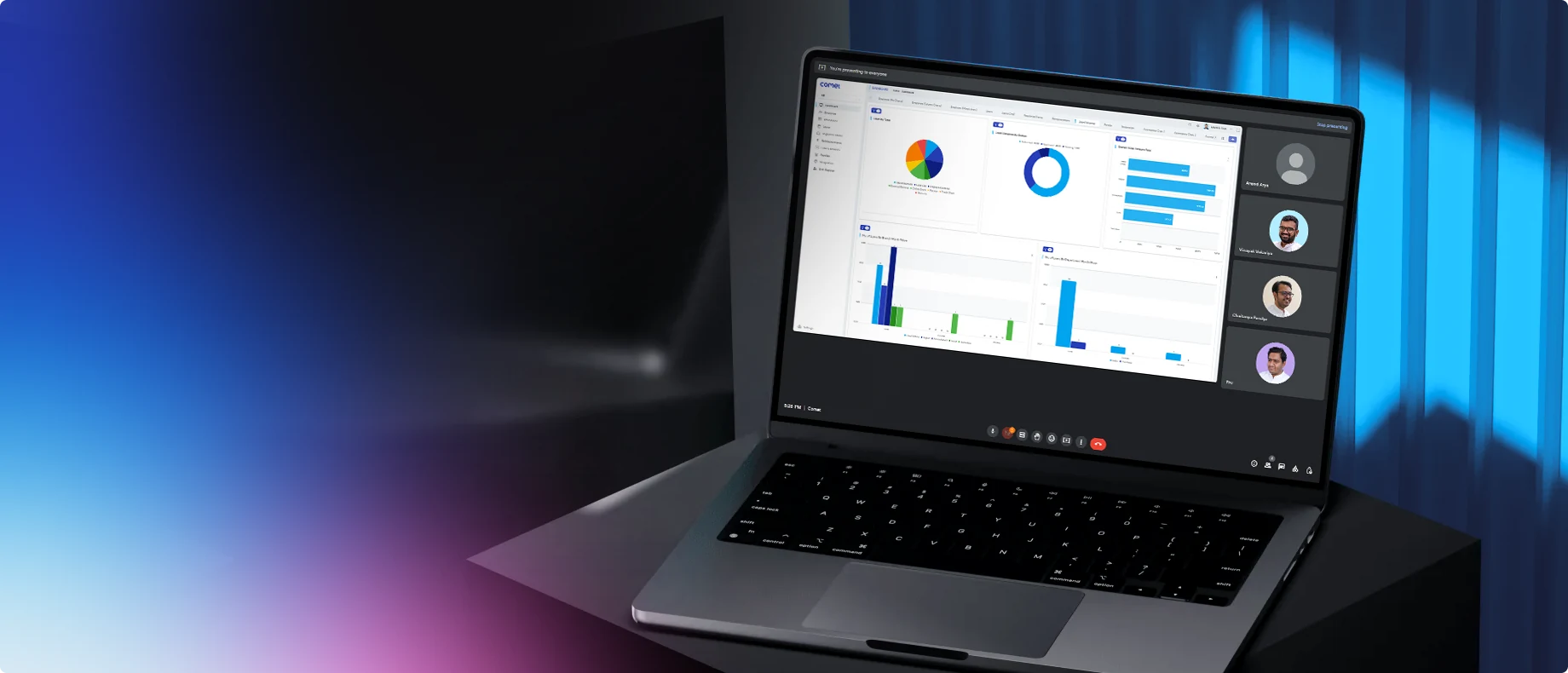

Schedule a meeting /
demo
Our team will navigate you to the platform on google meet
Schedule now
15-30 Min. Google Meet India Standard Time