


Quality
Catch it, fix it, prove it, and stop it coming back.
 Walkthrough

Quality
- Non-conformance
- Containment
- Root cause
- Disposition
- Corrective action
- Preventive action
- Effectiveness verification
- My quality actions
- Quality reports
- Quality dashboard
Highlights
-
 Automatic NCs
Inward rejections, production scrap and rework, and failed operation parameters can raise an NC. Each rule can be switched on or off.
-
Built-in 5-Why
5-Why is built into the root cause step, alongside cause categories and cause codes.
-
Six dispositions
Scrap, use as is, return, replacement, rework and repair. Dispositions need approval before they are carried out.
-
Verified closure
Each fix is confirmed before closure, with permanent results and gate checks that stop skipped stages.
-
Reopen when needed
Authorised users can reopen a closed NC, which returns it to the investigation stage.
-
Ready for audits
Quality reports can be exported to Excel and PDF for management reviews and audits.
Features
The all-in-one platform for your business.
-

Non-conformance management
Register every quality problem with its source, severity and defects, linked to the real transaction behind it.
Know more about Non-Conformance Management
Register every quality problem in one structured record, with its source, type, severity, priority, defects and affected quantity. References to vendors, inward receipts, production orders and customers keep each case connected to the real transaction. A guided workflow takes it from registration to closure, so nothing depends on memory or scattered emails.
-

Automatic NC creation
Raise NCs automatically from inward rejections, scrap, rework and failed parameters, with on-off rules for each event.
Know more about Automatic NC Creation
Let the system raise Non-Conformances for you. Inward rejections, production scrap and rework, and failed operation parameters can each create an NC automatically, with configurable on-off rules for every event. Quality teams receive complete records without re-keying data, and problems are captured when they happen rather than reported days later, or not at all.
-

Containment actions
Record immediate steps that stop a problem spreading, showing what was done, by whom and when.
Know more about Containment Actions
Record immediate steps taken to stop a problem from spreading, before the investigation is complete. Containment is required where material is affected, so suspect goods are dealt with early. Responsible users act from a focused page, and the record shows what was done, by whom and when, protecting customers while the root cause is found.
-

Root cause analysis
Find the real cause with cause categories and built-in 5-Why analysis, stored against each NC for future reference.
Know more about Root Cause Analysis
Get past symptoms with a structured root cause step, using cause categories, cause codes and a built-in 5-Why analysis. Findings are stored against the NC, so recurring issues become visible over time. Teams build a searchable history of what really went wrong, which leads to fixes that last instead of repeat firefighting.
-

Disposition and approval
Decide on scrap, use as is, return, replacement, rework or repair, with approval and evidence before execution.
Know more about Disposition and Approval
Decide what happens to affected material, including scrap, use as is, return, replacement, rework or repair. Dispositions go through approval with supporting evidence before anything moves. Once approved, execution can post the stock journal or goods receipt directly, keeping inventory correct and connecting each quality decision to its real effect on stock.
-

Corrective and preventive actions
Assign actions to named owners, who track their open work on the My Quality Actions page.
Know more about Corrective and Preventive Actions
Assign corrective and preventive actions with owners and action types, so every fix has someone accountable. Each person sees their own open work on the My Quality Actions page and updates progress there. Mandatory actions must be completed before the NC can move forward, which turns good intentions into finished, recorded work.
-

Effectiveness verification and closure
Confirm each fix really worked before closure, with permanent results and gate checks that stop skipped stages.
Know more about Effectiveness Verification and Closure
Confirm that a fix really worked before a case is closed. Verification can be required by NC type or severity, and results are kept as a permanent, append-only record. Authorised users close, cancel or reopen NCs, while automatic gate checks ensure no stage is skipped, giving you a dependable trail for customers and auditors.
-

Role-based quality workflow
Give each person the rights their job needs, while cases move forward and notify the next owners.
Know more about Role-Based Quality Workflow
Give each person exactly the rights their job needs, from containment and root cause to disposition approval, verification and closure. The case moves automatically to the next stage as work is done, and the next responsible people are notified. A Waiting for Me filter shows what needs attention, so cases never stall between departments.
-

Quality reports and dashboard
Analyse NCs, defects, scrap, ageing and cost of poor quality through ready reports and a clickable dashboard.
Know more about Quality Reports and Dashboard
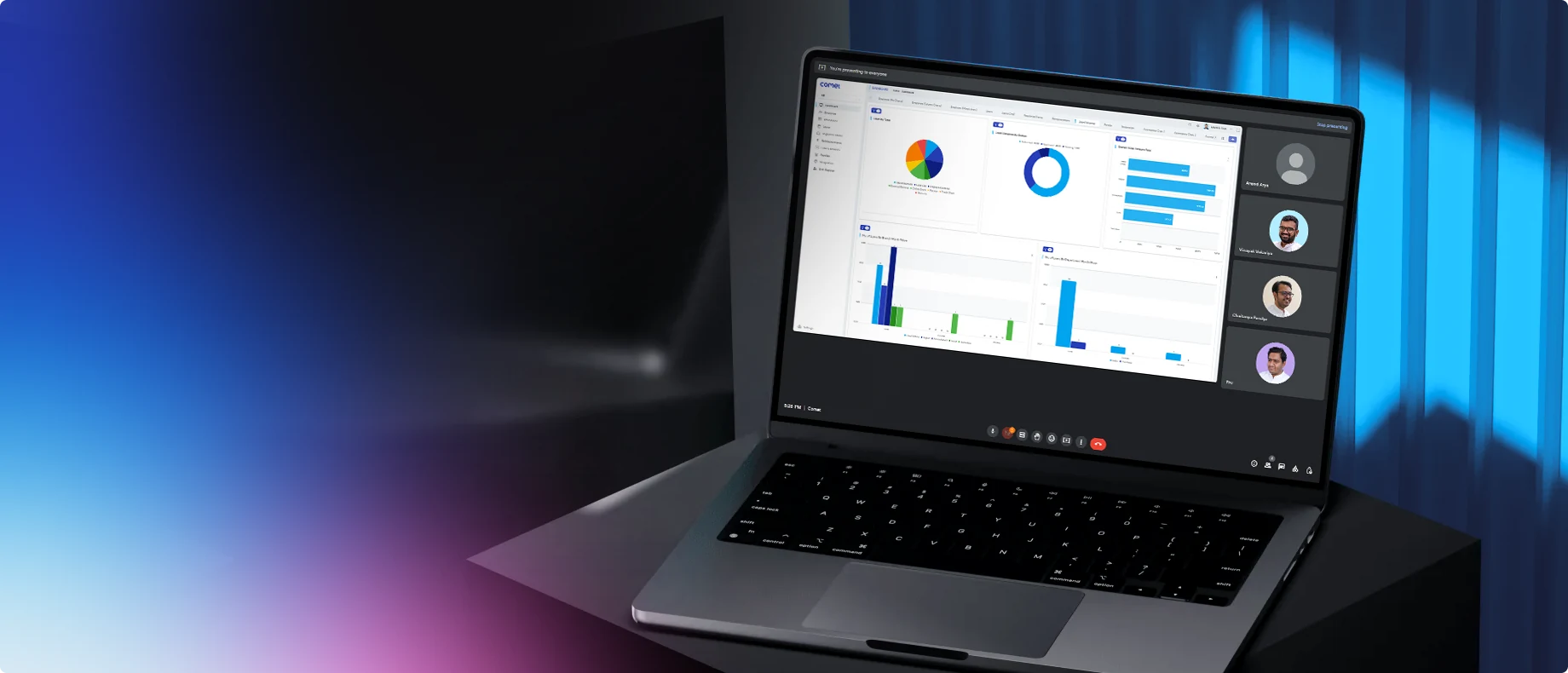
Turn quality records into decisions with ready reports for NC register, open and overdue cases, defect Pareto, disposition, rework and scrap, ageing, and cost of poor quality by cost center. The dashboard's cards and charts open the underlying NCs in one click. Reports export to Excel and PDF for management reviews and audits.

Fit for segments like

Frequently asked questions
What can raise a Non-Conformance automatically?
Inward rejections, production scrap and rework, and failed operation parameters. Each rule can be switched on or off.
Does Comet support 5-Why analysis?
Yes. 5-Why is built into the root cause step, alongside cause categories and cause codes.
What disposition options are available?
Scrap, use as is, return, replacement, rework and repair. Dispositions need approval before they are carried out.
Can a closed NC be reopened?
Yes. Authorised users can reopen a closed NC, which returns it to the investigation stage.
Can quality reports be exported?
Yes. Quality reports can be exported to Excel and PDF for management reviews and audits.

Schedule a meeting /
demo
Our team will navigate you to the platform on google meet
Schedule now
15-30 Min. Google Meet India Standard Time