


Sales
From first lead to final payment, in one connected flow.
 Walkthrough

Sales / CRM
- Dashboard
- Lead
- Inquiry
- Quotation
- Sales order
- Dispatch
- Challan
- Invoice
- Receipt
- Return
- Refund
- Product list
- Credit note
Highlights
-
 No retyping
Products, quantities, prices and taxes carry forward from inquiry to quotation and on to the sales order.
-
Partial dispatch
One sales order can be delivered in parts, with the balance quantity tracked automatically.
-
E-invoice and e-way bill
Generated through the government portal, and cancelled there when needed.
-
Credit limit while billing
The credit limit appears on the invoice screen, so teams can review exposure before raising the invoice.
-
Reverse charge
Entries are posted to Finance and each transaction is recorded in the RCM register.
-
Lost-deal insight
Cancelled quotations are recorded with a reason, showing why deals were lost and where pricing needs attention.
Features
The all-in-one platform for your business.
-

Lead management
Capture leads with source, owner, stage and priority, and use follow-up dates to keep every opportunity moving.
Know more about Lead Management
Capture every enquiry as a numbered lead with its source, industry segment, owner, priority and stage. Follow-up dates keep sales teams on schedule, while competitor records show who you are up against. Contacts and customer history stay together, so managers can see the whole pipeline and no opportunity is lost between calls, visits and handovers.
-

Inquiry and quotation
Turn leads into inquiries and branded quotations, with products, prices and taxes carried forward without any retyping.
Know more about Inquiry and Quotation
Turn qualified leads into structured inquiries and professional quotations without retyping a single line. Products, quantities, prices and taxes carry forward from stage to stage, and branded PDF formats are ready to share. Cancelled quotations are recorded with a reason, giving sales managers clear insight into why deals were lost and where pricing needs attention.
-

Sales order management
Convert quotations into orders, issue acceptances and proforma invoices, and link every order to production and purchasing.
Know more about Sales Order Management
Convert quotations into sales orders with customer terms, delivery requirements and lifting dates. Issue order acceptances and proforma invoices directly from the order. Hold or cancel orders with a recorded reason, and follow each status through to completion. Orders feed production planning and purchasing, so commercial commitments and shop-floor work always stay aligned across the business.
-

Dispatch and delivery challans
Plan full or partial shipments with transporter and vehicle details, and generate challans and packing lists in one flow.
Know more about Dispatch and Delivery Challans
Plan shipments against open sales orders, with shipping method, vehicle type and transporter captured on every dispatch. Partial deliveries are supported, and the balance quantity is tracked automatically. Generate delivery challans and packing lists from the same flow, so dispatch teams always know what has left the gate and what is still pending for each customer.
-

GST invoicing, e-invoice and e-way bill
Raise GST-compliant tax, export and customs invoices, and generate e-invoices and e-way bills from inside Comet.
Know more about GST Invoicing, E-Invoice and E-Way Bill
Raise GST-compliant tax invoices from dispatches, with taxes calculated automatically. Generate e-invoices and e-way bills through the government portal from inside Comet, and cancel them there when needed. Export, customs and other invoices use dedicated print formats, reducing manual portal work and helping finance teams keep every outgoing document accurate and audit-ready.
-

Receipts and credit visibility
Record customer payments against open invoices, view credit limits while billing, and keep ledgers updated in Finance.
Know more about Receipts and Credit Visibility
Record customer payments against open invoices and see at a glance what has been collected and what is still due. Credit limits appear on the invoice screen, so teams can review exposure before billing. Every receipt carries through to the customer's ledger in Finance, giving sales and accounts teams one shared view of outstanding balances.
-

Returns, refunds and credit notes
Manage sales returns, refunds, credit notes and debit notes, each linked to its original transaction with recorded reasons.
Know more about Returns, Refunds and Credit Notes
Handle sales returns with recorded reasons, then issue the right credit note, debit note or refund from the same module. Each document stays linked to the original transaction, keeping customer balances, stock and accounts correct. Clear audit trails make it simple to answer customer queries and settle disputes without searching through paperwork.
-

Reverse charge on sales
Apply reverse charge on eligible sales invoices, with entries posted to Finance and recorded in the RCM register.
Know more about Reverse Charge on Sales
Apply reverse charge treatment on eligible sales invoices without separate spreadsheets or manual tax workings. Comet identifies the correct treatment, posts the entries to Finance and records each transaction for the RCM register. Teams stay compliant with GST rules while invoices, notes and returns continue to follow the same familiar sales process.
-

Sales dashboard
Track leads, inquiries, quotations, orders and invoices through live charts, and review product-wise sales in one list.
Know more about Sales Dashboard
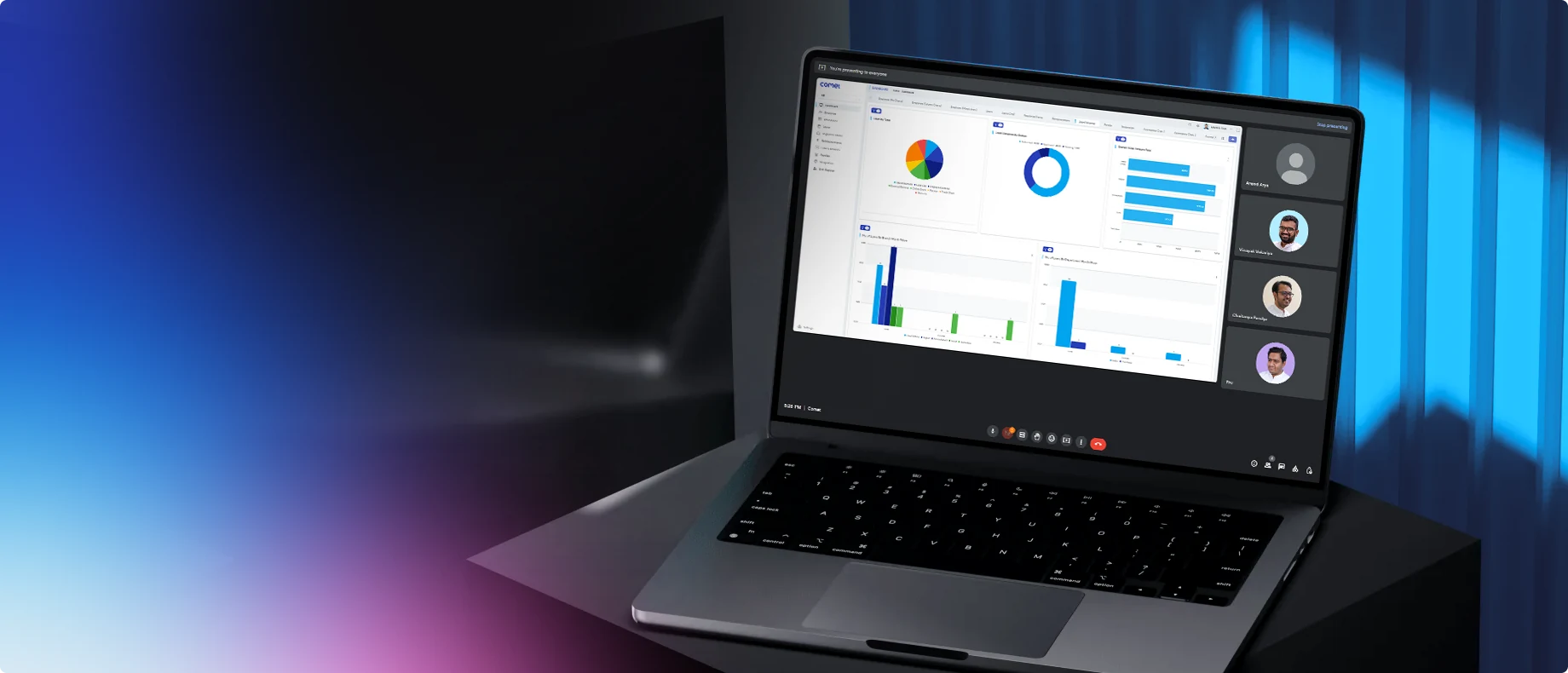
Give sales leaders a live picture of the business, with charts for leads, inquiries, quotations, sales orders and invoices. Filter the view as needed, and use the product-wise sales list to see what is moving. Managers can spot slow stages early and direct their team's effort where it matters most.

Fit for segments like

Frequently asked questions
Can Comet generate e-invoices and e-way bills?
Yes. Both are generated through the government portal from inside Comet, and can be cancelled there when needed.
Can one sales order be delivered in parts?
Yes. Partial dispatches are supported, and the balance quantity is tracked automatically against the order.
Do I need to retype details when converting a quotation?
No. Products, quantities, prices and taxes carry forward from inquiry to quotation and on to the sales order.
Does Comet support export invoicing?
Yes. Dedicated print formats are available for export invoices, customs invoices and packing lists.
Can we see a customer's credit limit while billing?
Yes. The credit limit appears on the invoice screen, so teams can review exposure before raising the invoice.

Schedule a meeting /
demo
Our team will navigate you to the platform on google meet
Schedule now
15-30 Min. Google Meet India Standard Time